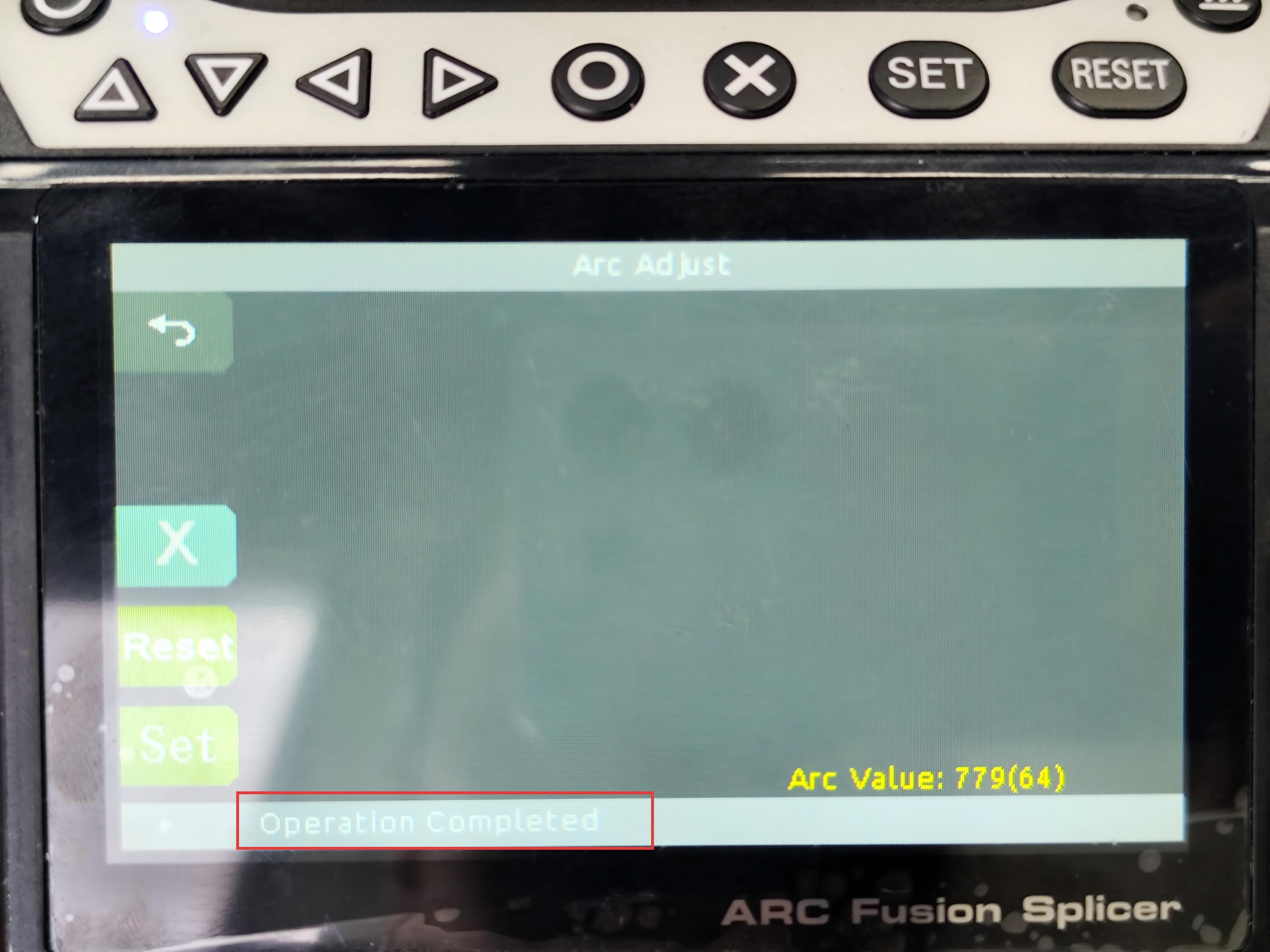
Arc calibration is an automatic process performed by the fusion splicer using a standard optical fiber to detect and correct the discharge parameters, ensuring that the splicing temperature remains within the standard range.
II. Why is arc calibration necessary?
The fusion splicer generates an arc through high‑voltage discharge from the electrodes, and it is this arc's high temperature that melts the two fiber cores to achieve splicing. However, this discharge process is not stable and can be affected by various factors, including:
-
Environmental changes (e.g., variations in temperature, humidity, and atmospheric pressure).
-
Wear and contamination of the electrodes over time.
-
Changes in the type of optical fiber being spliced.
III. When should arc calibration be performed?
As mentioned above, arc calibration is required whenever the factors affecting the discharge undergo significant changes. Typically, this occurs in the following situations:
-
After replacing the electrodes.
-
After splicing for 500–1000 times.
-
When switching to a different type of optical fiber.
-
When there is a noticeable change in the environment, for example, moving from a high‑temperature to a low‑temperature area, or from indoors to outdoors.
-
When you observe bubbles in the splice or high splice loss.
-
After the splicer has been idle for a long period and is being put back into use.
IV. How to perform arc calibration – using our SD‑9A model as an example:
-
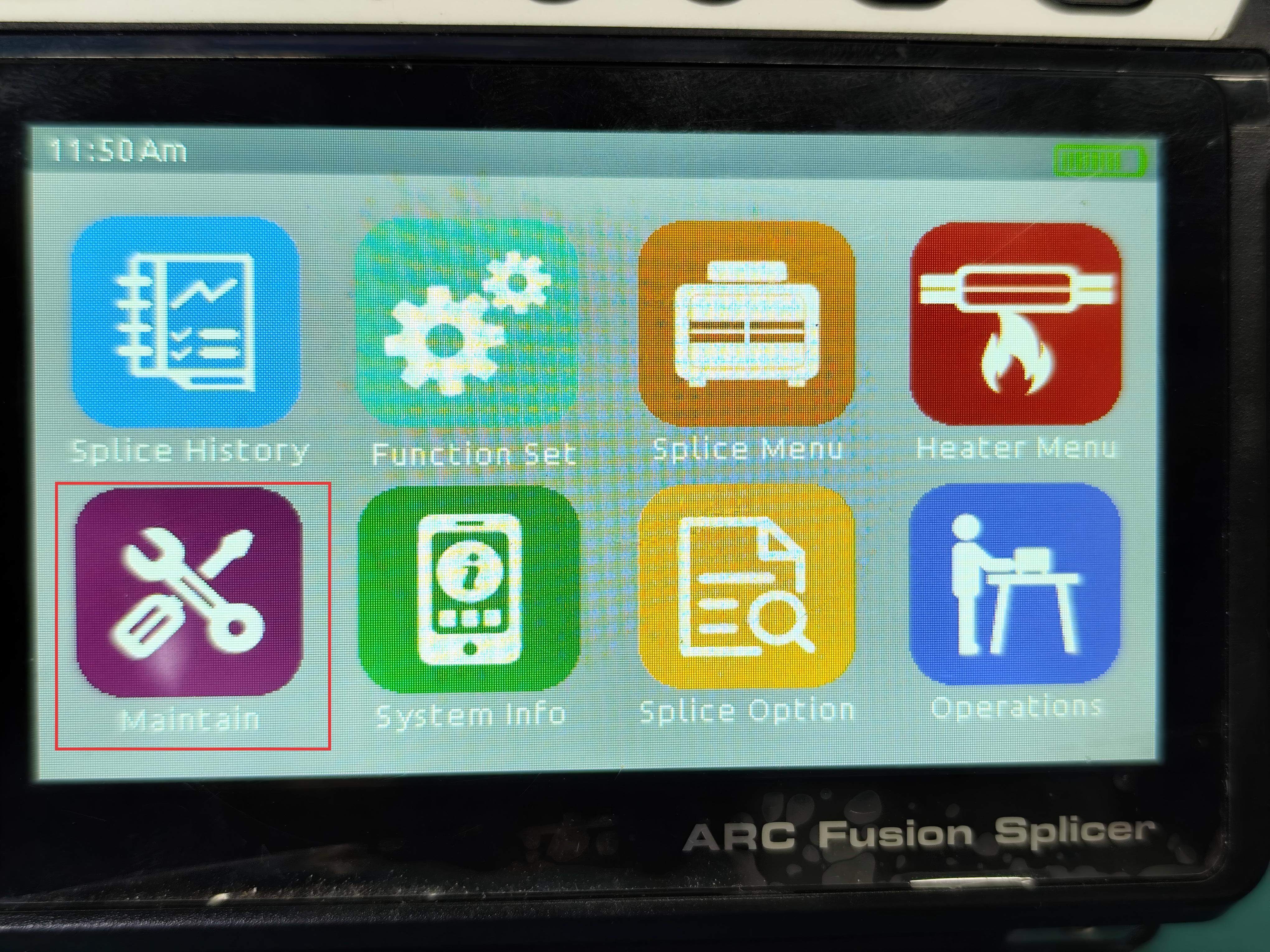
Enter the maintenance menu.
-
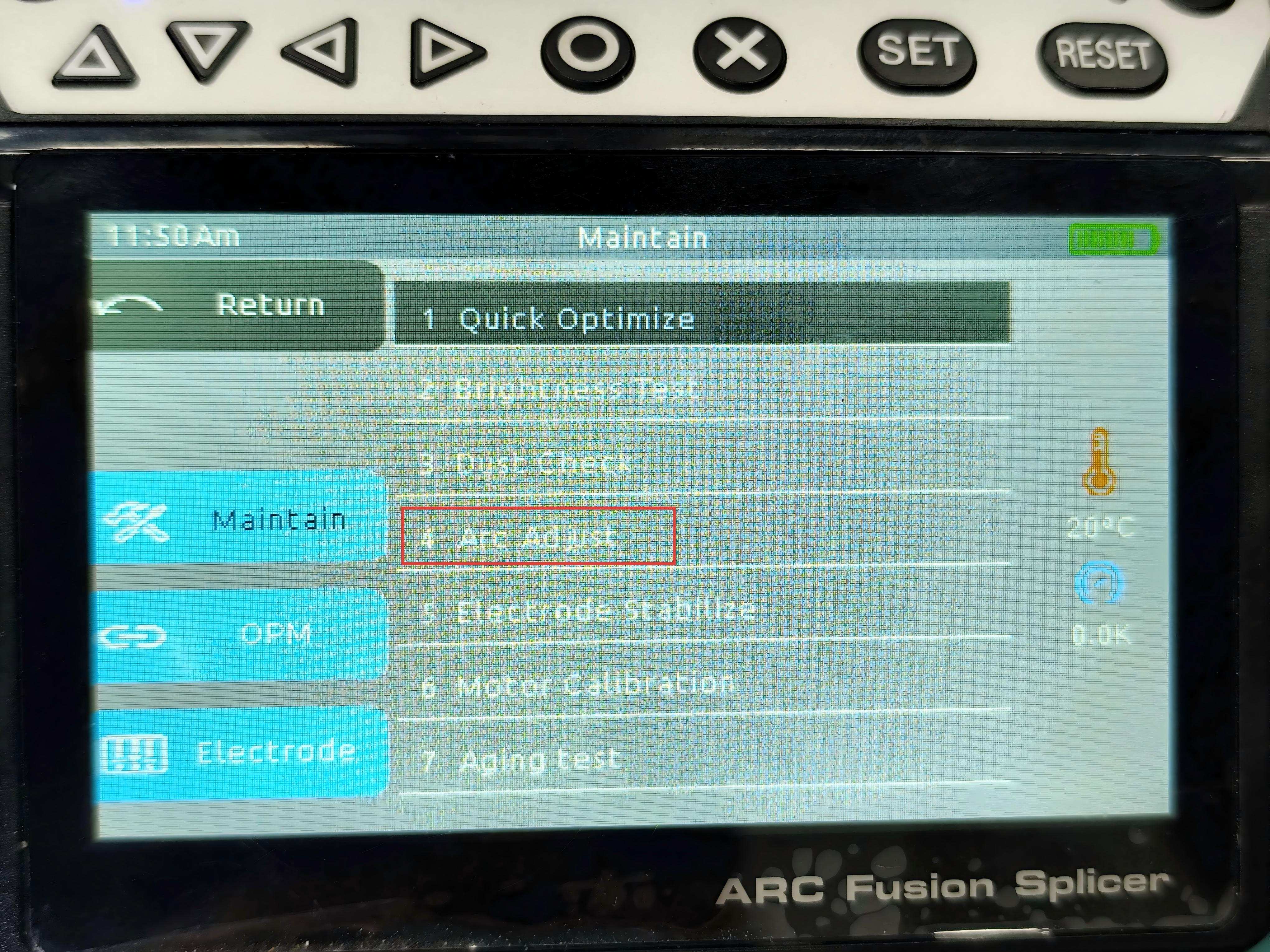
Select item 4, “Arc adjust”.
-
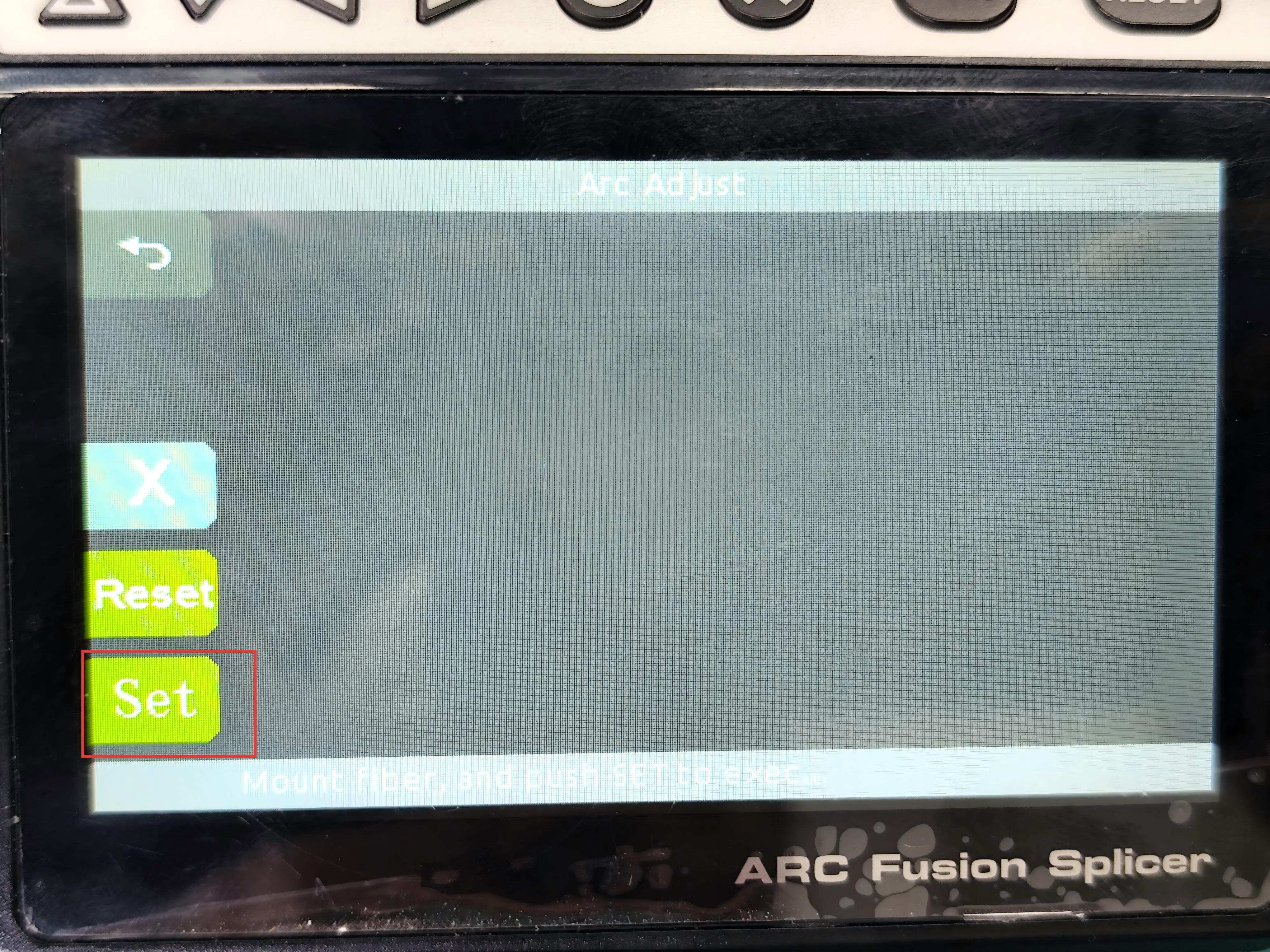
Prepare the optical fiber to be spliced: strip the coating and cleave the fiber using a cleaver, then place it on the splicer.
-
Press the SET button to start arc calibration.
-
The machine will automatically begin the calibration routine.
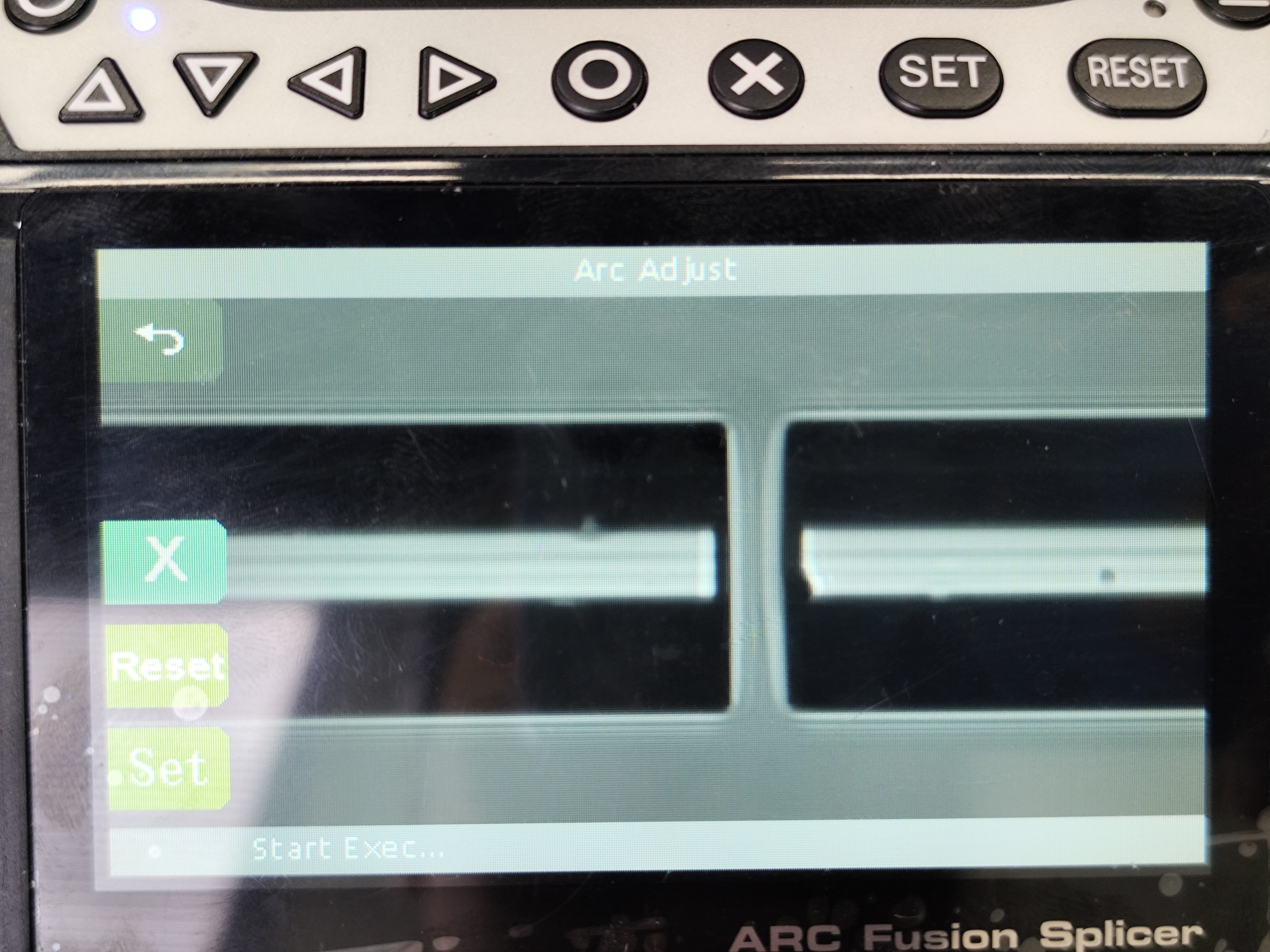
-
Calibration is not always completed in a single attempt; sometimes multiple adjustments are needed. If the screen shows “please reset”, it means another calibration is required – in that case, repeat steps 2 to 5.
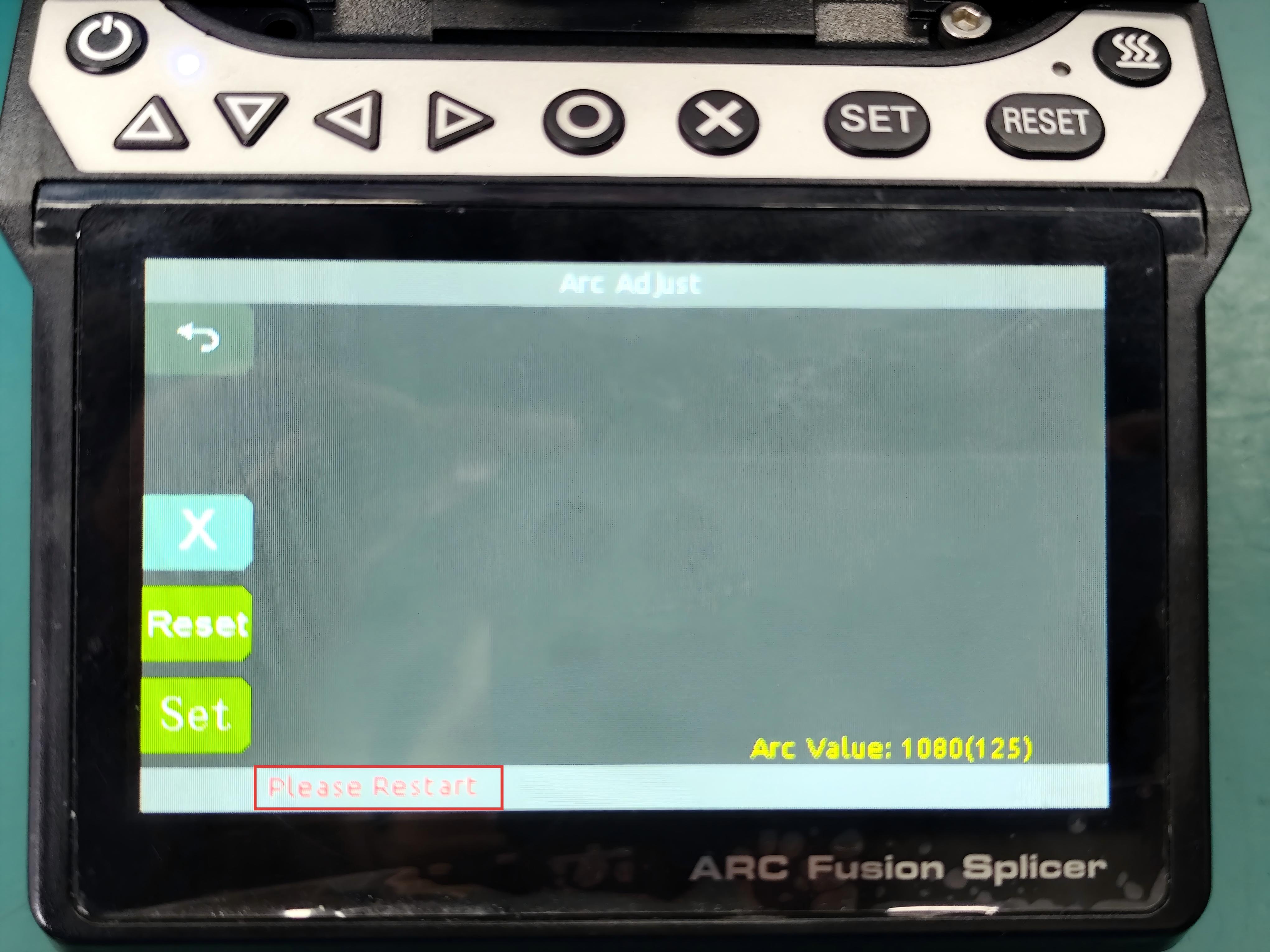
-
When calibration is successful, the screen will display “operation completed” – this indicates that the calibration is finished.